open, answered, closed, spam
How it works
What happens to a request
Customers ask your business for things, and more and more often their AI agents do the asking. Here is what happens to each request.
Step one
What arrives
Every request becomes an item with a type and a state, before anyone has read it.
Say someone wants their bike serviced on Saturday. Their agent can book it with you directly. Claude and ChatGPT use MCP, and other software uses the REST API. Email works too, for messages and replies. A web form is on the way. Being built
Each request lands as one of four types, with its own set of states, so the inbox always knows where it stands. Refunds are a fifth type, handled inside the app.
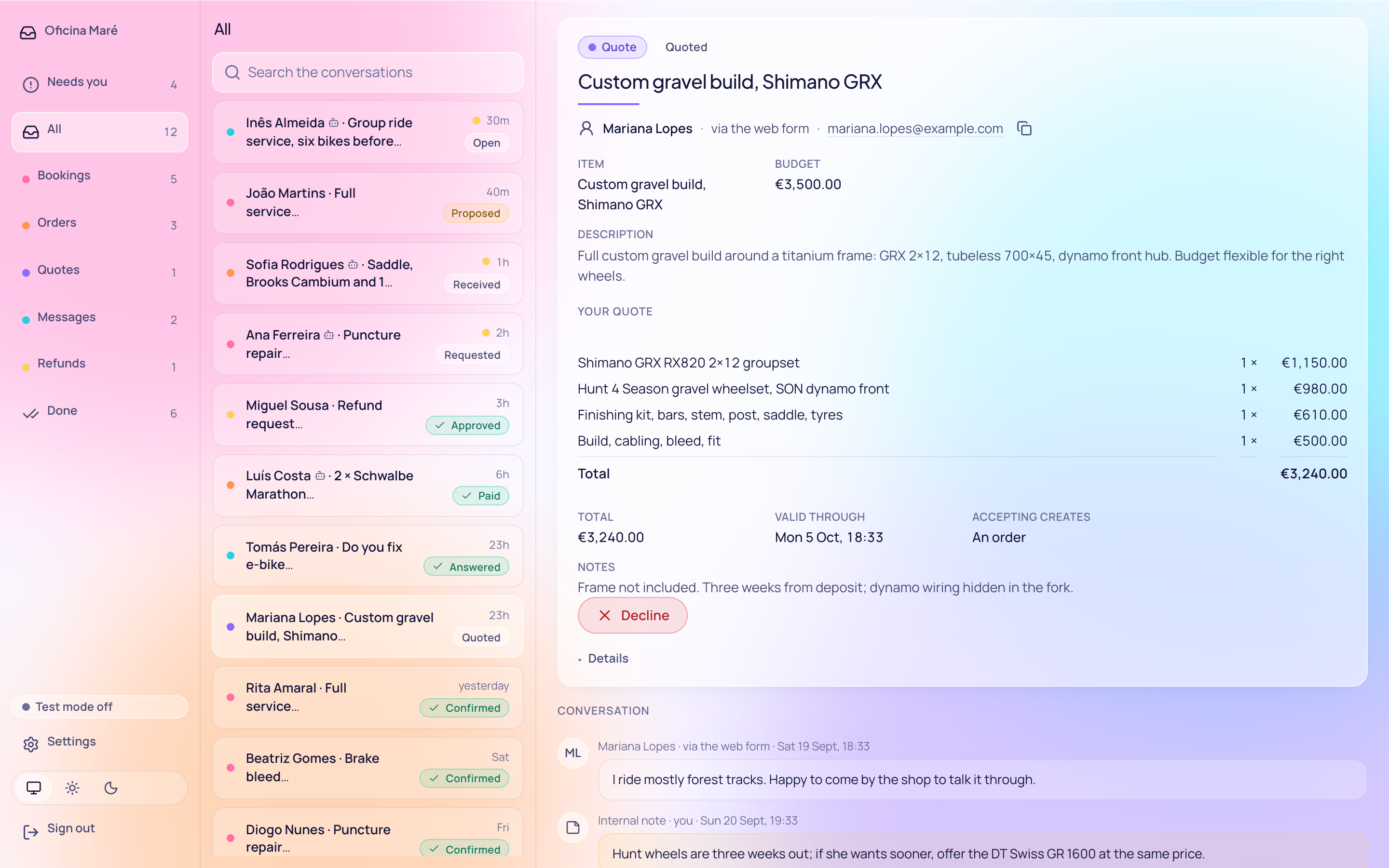
received, needs info, quoted, accepted, declined, expired
requested, needs info, proposed, confirmed, completed, no show, cancelled by the customer, cancelled by the business, declined, expired
received, needs info, accepted, awaiting payment, paid, fulfilling, fulfilled, completed, declined, cancelled
Step two
Your rules run first
Write down how your business works once. Simple rules then handle the routine without you.
Start with your hours, services and prices, and the order size above which you want to decide yourself. Then switch on a few rules. Six come ready-made for appointments, trades and shops.
Rules don't use AI, so the same request always gets the same answer. The reason goes in the item's history. You can try a rule on a request you already have before you switch it on.
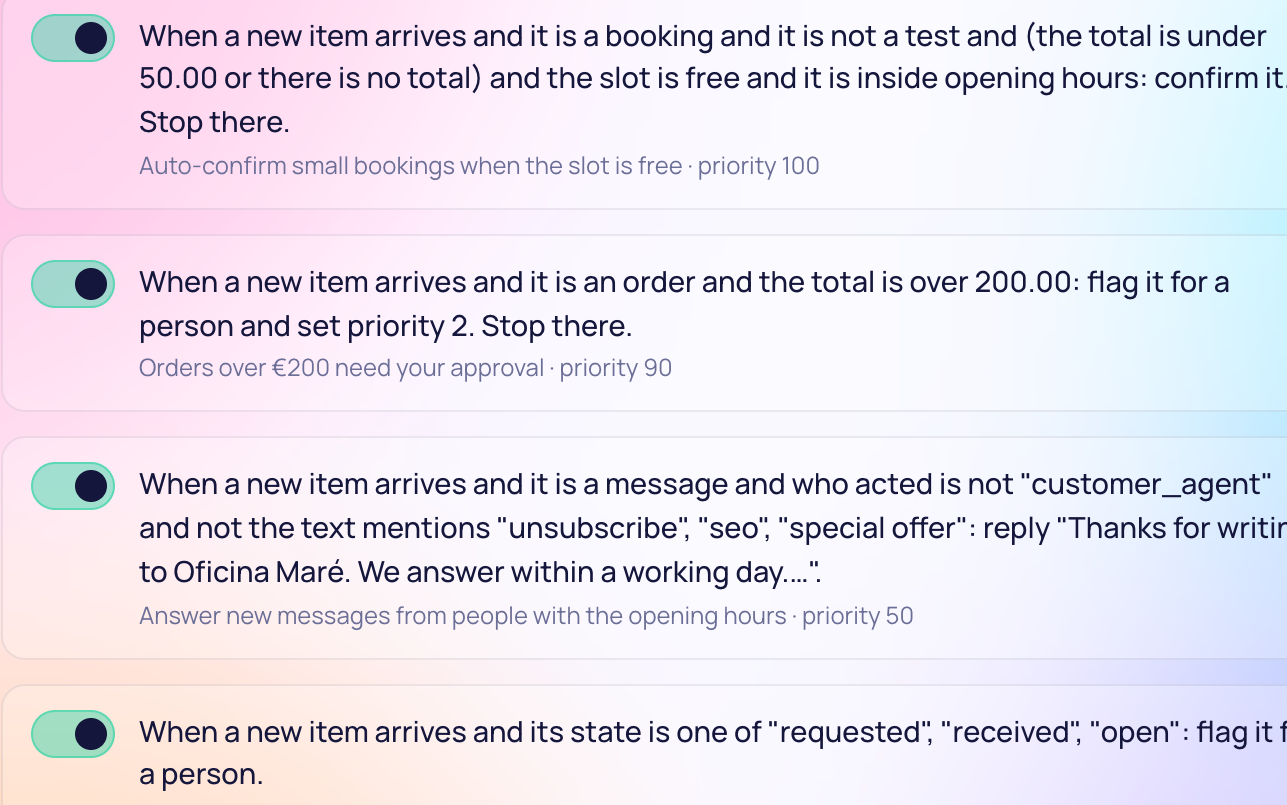
When a new item arrives and it is a booking and it is not a test and (the total is under 50.00 or there is no total) and the slot is free and it is inside opening hours: confirm it. Stop there.
When a new item arrives and it is an order and the total is over 200.00: flag it for a person and set priority 2. Stop there.
Step three
Your own AI answers
Connect the AI you already use. It works like a member of staff, with the same limits.
It signs in as staff
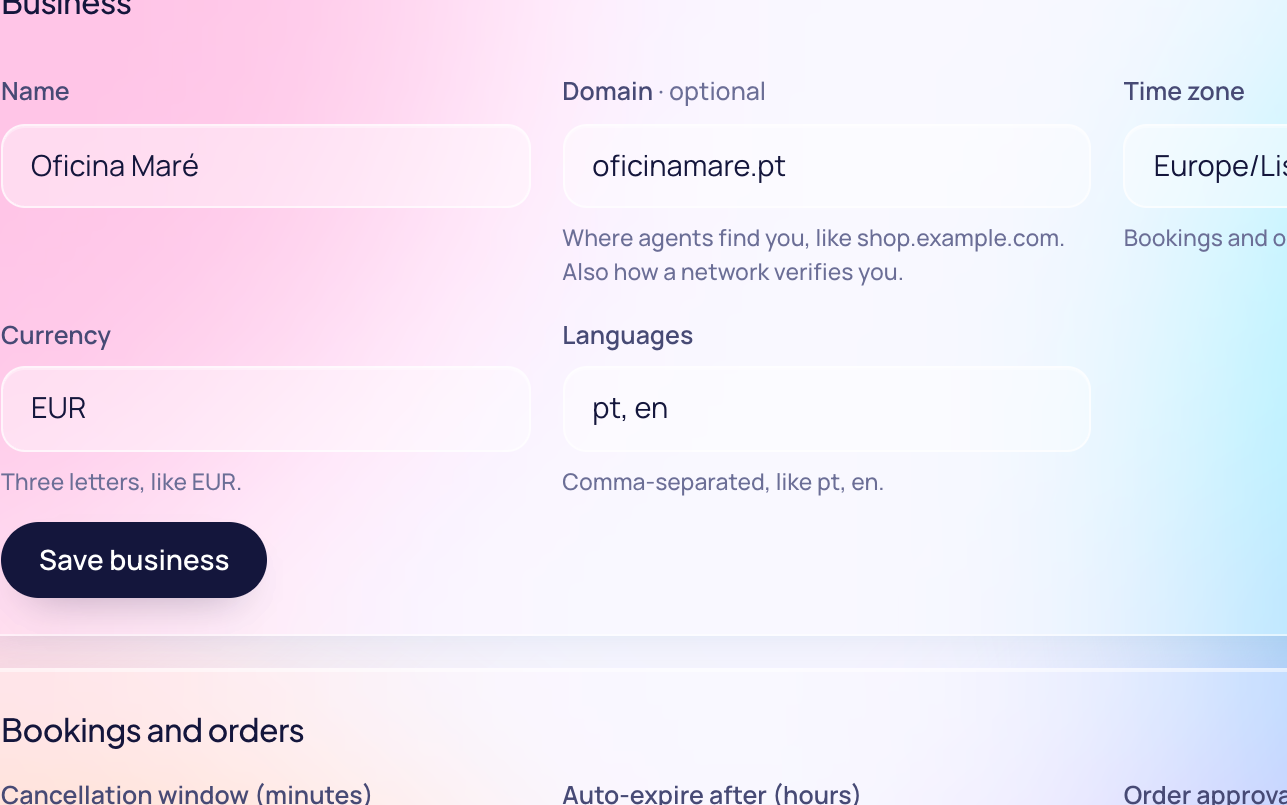
Connect Claude, ChatGPT or any AI that speaks MCP. It signs in with your account and can answer customers or suggest another time.
It answers inside your rules
It can only take the steps a person could, and everything it does is logged.
You watch it first
In test mode, requests from agents are practice ones. Let it handle a day of them before it meets a real customer.
Why use your own AI
-
You already use it
It may already know your business and the way you talk to customers. A new one would start from scratch.
-
Your customers stay yours
Their details live in your own database, and the inbox only sends them where you tell it to.
Safety
Safer than a shared mailbox
These protections are built into the inbox, so they hold even when an agent misbehaves.
Requests have a fixed shape
An agent can only send a booking, an order, a quote request or a message. If a detail is missing, the reply says which one.
No double bookings
If two agents want your last Saturday slot at once, one gets it. If a connection drops and an agent retries with the same key, it gets the first answer back.
The history is never rewritten
Every change is logged, with who made it and any reason given. Nothing in the log is edited later.
Rules can check who is asking
A rule can confirm callers with a verified account and pass anonymous ones to you.
Your data stays with you
It lives in one database on your Cloudflare account or your own server. If you join a network, it gets hourly counts and receipts, never names or messages.
Receipts are signed by you
When a booking is confirmed or an order is paid, your inbox signs a receipt. The customer's agent can counter-sign it.
All of this works today. Checking an agent's own signature is still to come.
Why now
Why prepare now
People already ask their AI to book and buy things. Those requests will reach you, ready or not.
Say someone asks their AI for a dentist with a free slot on Thursday.
Unprepared
The request sits in a mailbox behind forty others. Or the agent finds no way to ask, and books the dentist down the road.
Prepared
Your inbox shows the agent your free times and how to book. Your rules confirm the slot, and you only see what needs you.
Nothing locks you in. The software is open source and the data is yours to take with you.
Get started
Three steps, in this order
Most of it is writing down what you already know.
-
Pick where it runs
Deploy to your own Cloudflare account in one click, or run it on your own server. We will also host it for you once that opens.
-
Write down the business
Add your hours, services, prices and limits. For a bike shop or a bakery, that takes an afternoon.
-
Connect your AI
Point Claude or ChatGPT at your inbox and let it handle a day of practice requests in test mode first.
You can start small and add more as you go.