Yours, at your address
It runs on your own subdomain, hosted by us or on your own Cloudflare account or server. Customers and their agents write to you there. You can download everything it holds and leave whenever you like.
Surfing Dog Inbox · open source
Soon your customers' AI agents will book and order for them. We host Surfing Dog Inbox for you at your own address, like inbox.yourbusiness.com: those requests come straight to you, and your rules answer the routine ones.
Free, or Pro at $10, €10 or £9 a month. Your inbox and its backups are stored in the European Union.
Automated AI relations, with your own AI answering.
Why
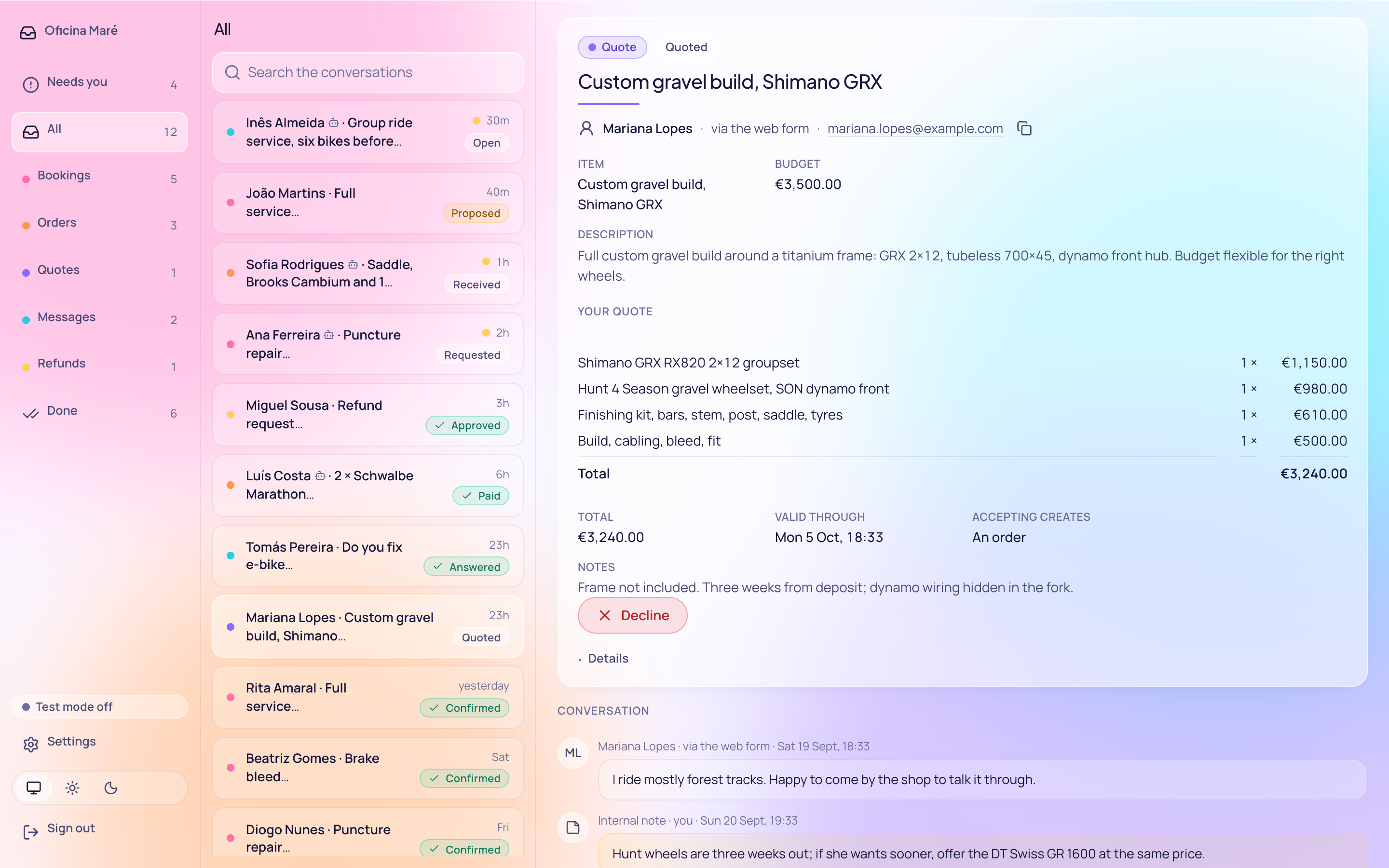
Bookings, orders, quotes and messages come in from people and their agents, with the details already filled in.
Agents ask at any hour, and can ask several businesses at once. A normal mailbox can't keep up.
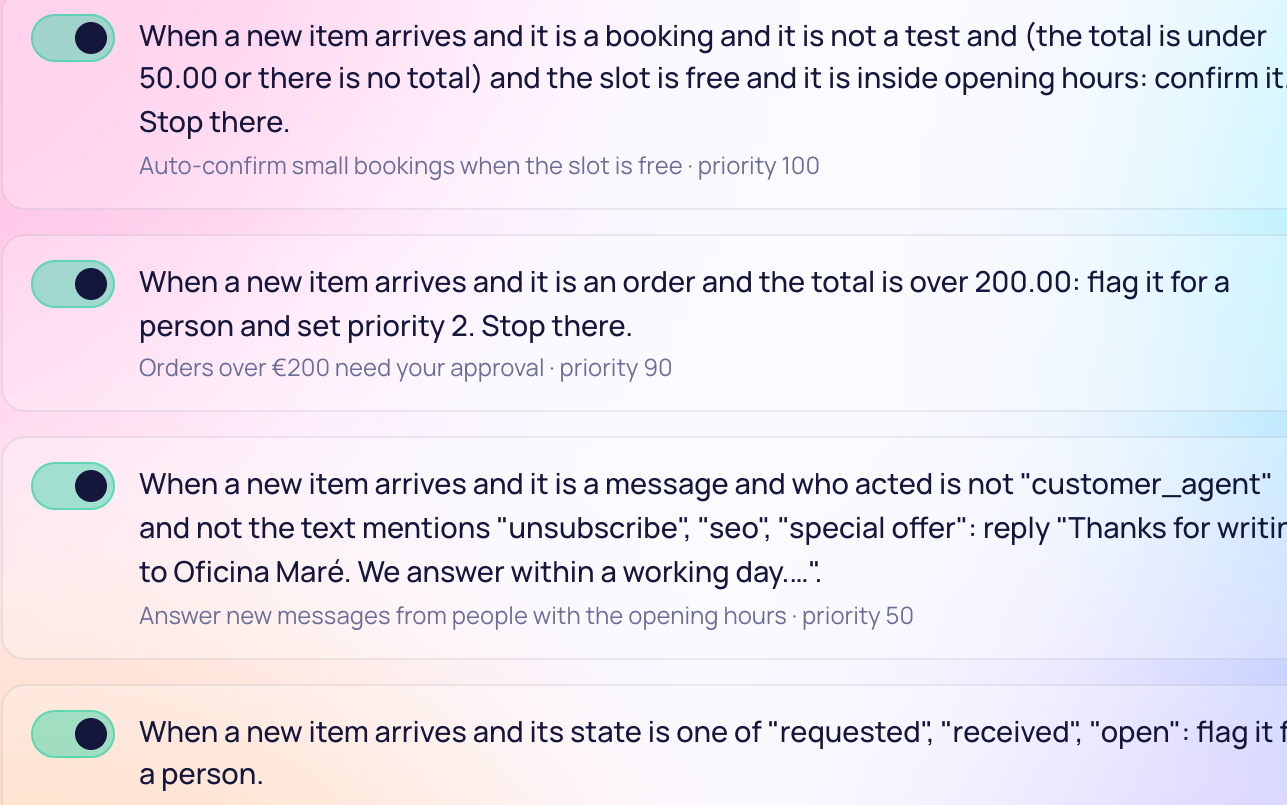
Your rules and your own AI answer within the limits you set. You see what needs a person.
Follow one request from start to finish Keep sales pitches and scams off your desk
Your rules
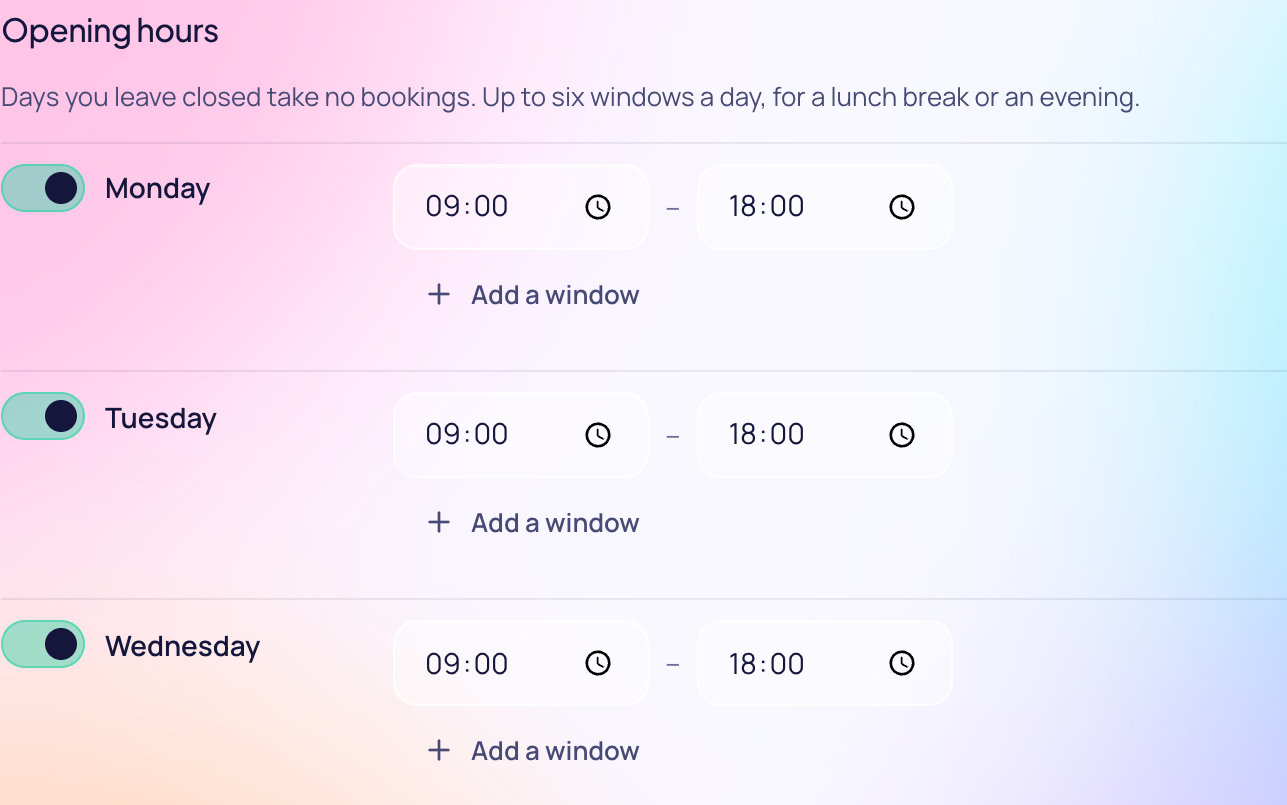
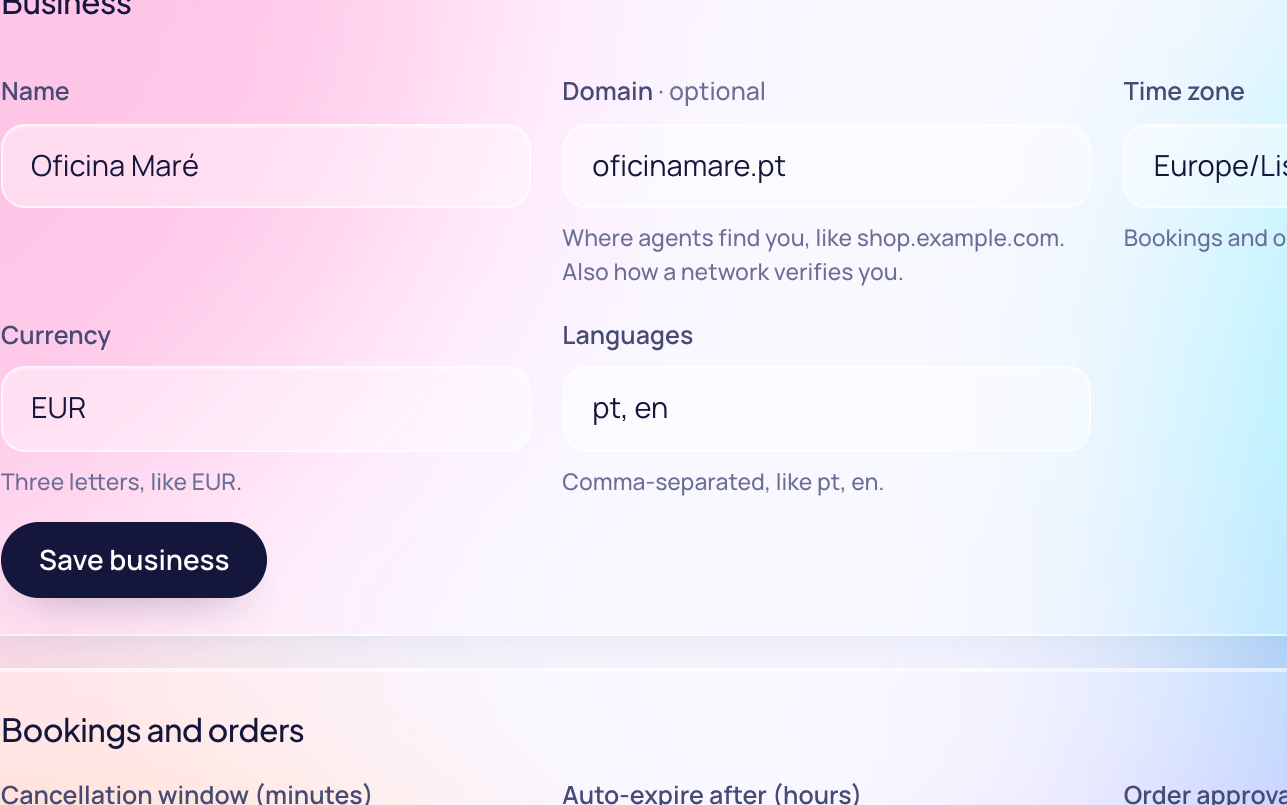
You don't build anything for agents. Write down your hours, services and limits, and agents book and order within them.
Examples
Five kinds of business, one inbox. These are examples of what it does, not customers; each connection they name is not yet verified on a live account.
A customer's assistant orders two flat whites, one with oat milk, and a croissant to collect at 8:20.
The inbox offers only times your kitchen can make, from the menu you brought in from Flipdish, paid on your own link.
A customer's assistant asks for a cut and beard trim on Saturday morning.
Times booked on Calendly, or busy in a calendar it checks, are not offered; on paid plans, confirmed bookings can be held there.
A guest's assistant asks for two nights for two people next month.
The inbox quotes your Beds24 price for nights Beds24 shows free, and writes each stay there first, so no room sells twice.
A customer's assistant asks whether a jacket is in stock in medium, and orders one.
The inbox answers from your WooCommerce products and stock; an order you accept goes in as pending, paid at your own checkout.
A customer's assistant asks for a price: a leak under the sink, the postal code, when suits, and three photos.
The inbox checks the postal code is in your area; once you quote it, it is a ServiceM8 job, with its photos.
Connects to
Paid with
Built, not yet verified on a live account. We built each from its platform's documentation or the standard it follows, and tested it against a stand-in; the beta is where they first run with a business's real account.
Reached from
ChatGPT, Claude, Gemini's app, Copilot Studio and Grok: built, not yet verified on a live account. The inbox serves the remote MCP server and the sign-in each one's maker documents, and none of the five has run against an inbox yet. Gemini CLI and the MCP Inspector have, against an inbox on our own machine; the MCP docs say what ran.
We built these connections ourselves; the names are their owners' trademarks, and none endorses us. iCloud is a trademark of Apple Inc., registered in the U.S. and other countries and regions. WooCommerce and its associated designs are trademarks of Automattic Inc.
One inbox
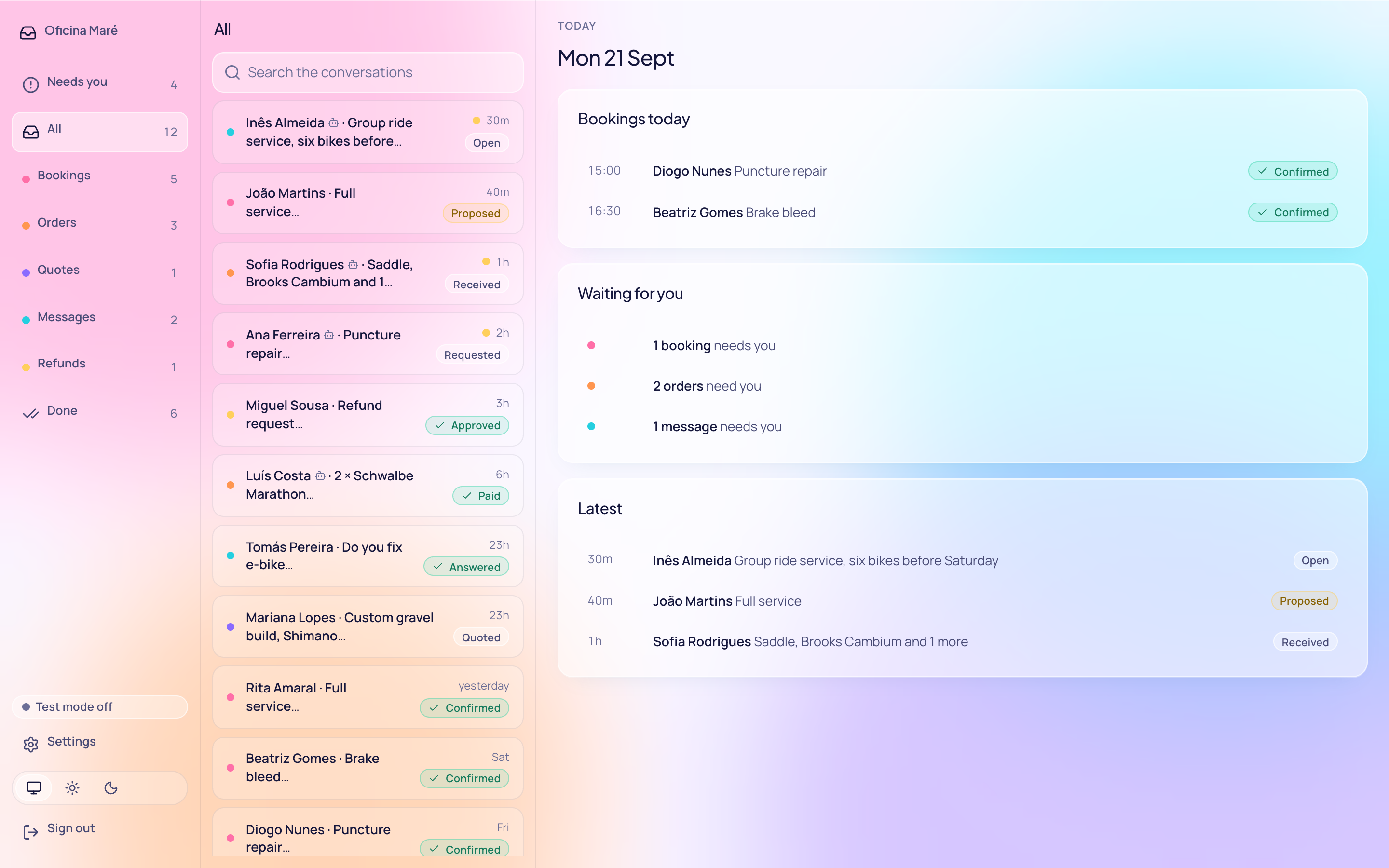
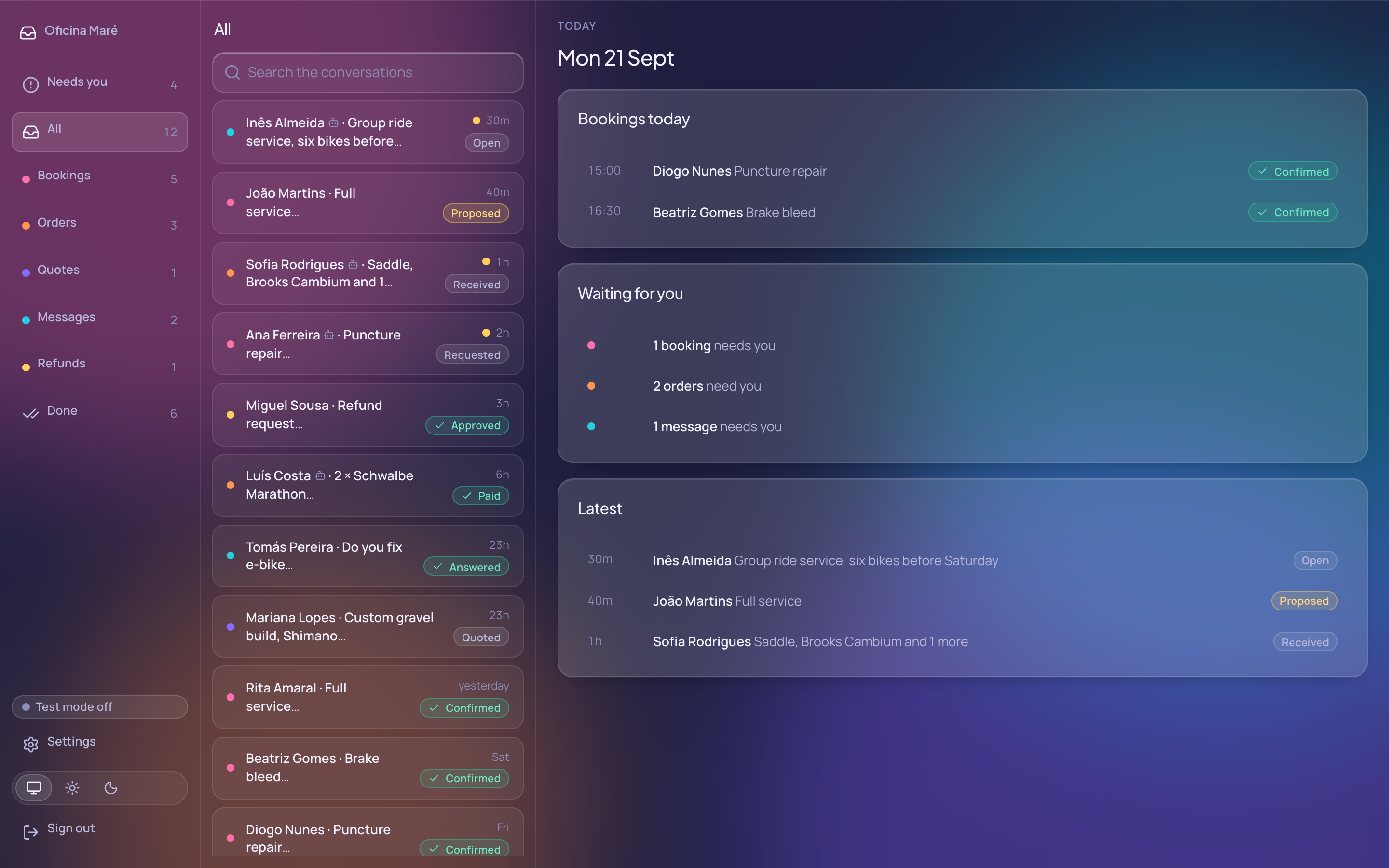
It runs on your own subdomain, hosted by us or on your own Cloudflare account or server. Customers and their agents write to you there. You can download everything it holds and leave whenever you like.
Every request is a booking, an order, a quote or a message, and it moves step by step until it's done.
Agents reach you through a REST API or MCP, and by email when you run it yourself. It all lands in one list. Your own AI connects over a separate owner MCP. People who add Surfing Dog to their own AI can reach you too; you can switch that off.
When a booking is confirmed or an order is paid, the inbox signs a receipt. The customer's agent can counter-sign it. It goes only to the networks your inbox reports to, each one yours to switch off.
Run it
We host it for you, or you run it on your Cloudflare account or your own server. Joining the network is optional.
We run it for you at your own address, like inbox.yourbusiness.com. You add one DNS record. Free, or Pro at $10, €10 or £9 a month. How it works
One click on your Cloudflare account sets it up and asks for three values. You can start free. Sending email needs Workers Paid or a Resend key.
Point a subdomain, such as inbox.yourbusiness.com, at an Ubuntu or Debian server, then run one command. HTTPS, a backup every night, and updates that undo themselves if they fail. Or the Docker image.
curl -fsSL https://surfingdog.ai/install.sh | sudo shFor agents
One file, at each business's own address, tells an agent what its inbox accepts and where to reach it. Ours is below. If a request has a mistake, the refusal names the field to fix.